Sketches
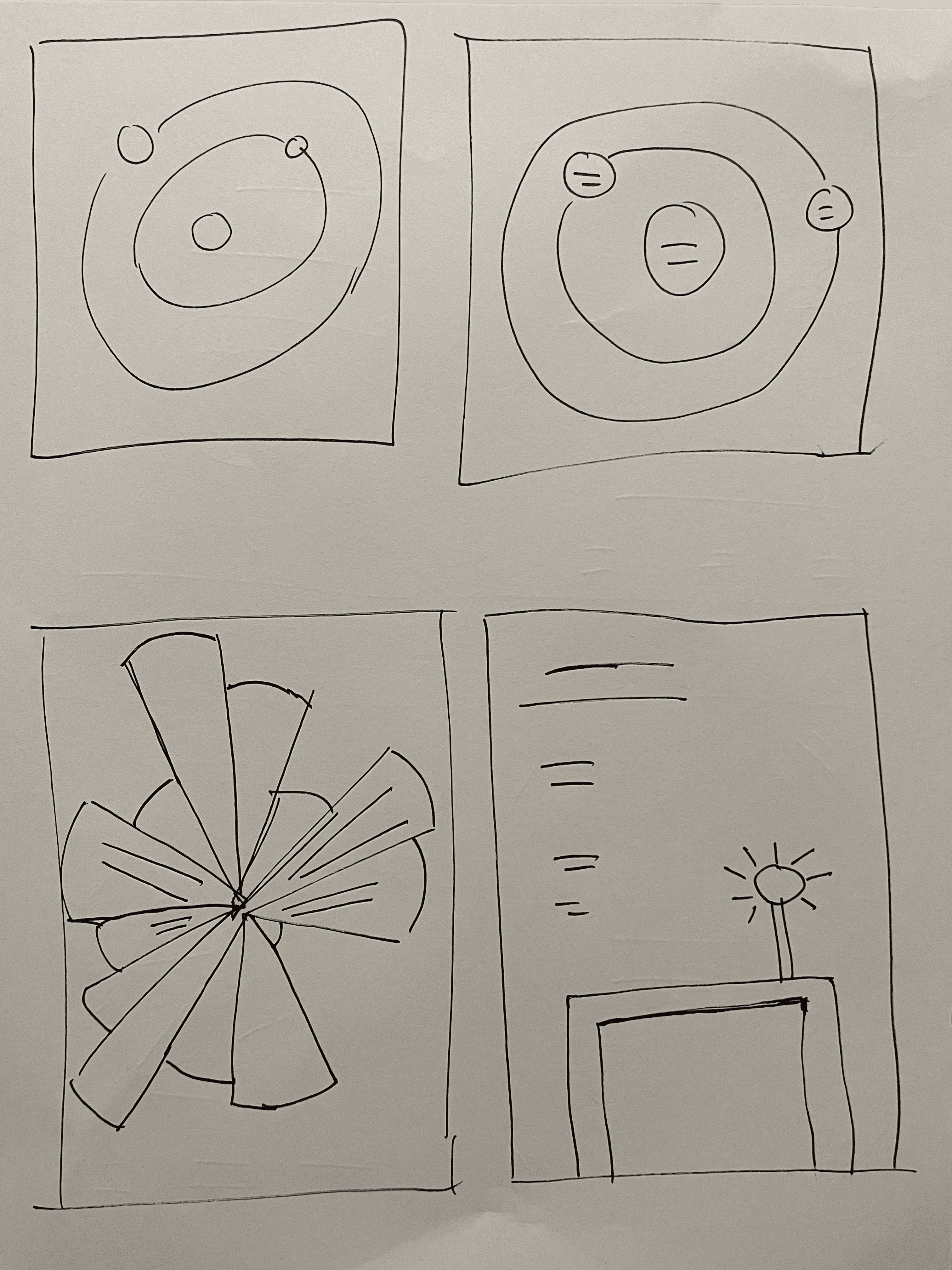
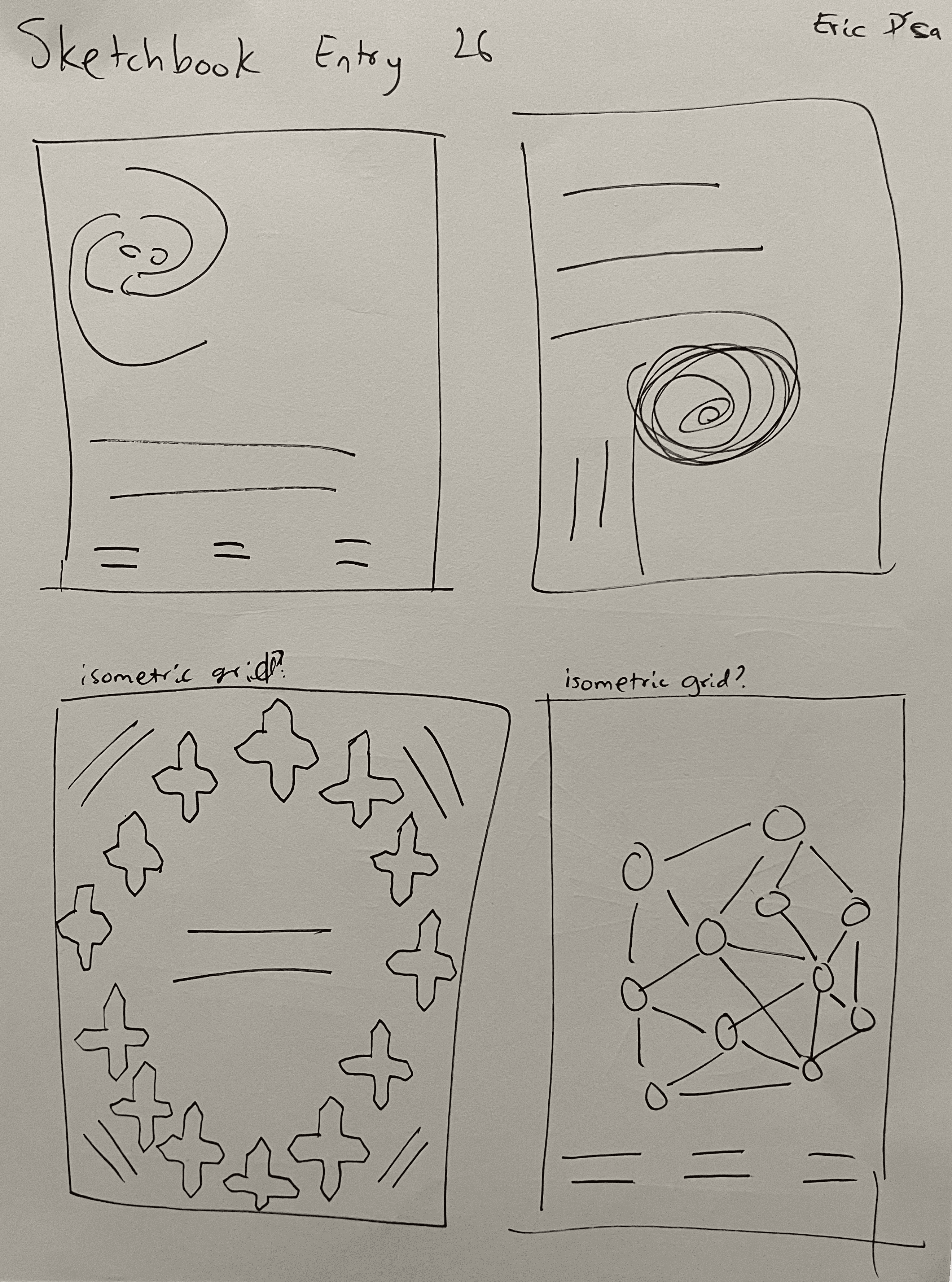
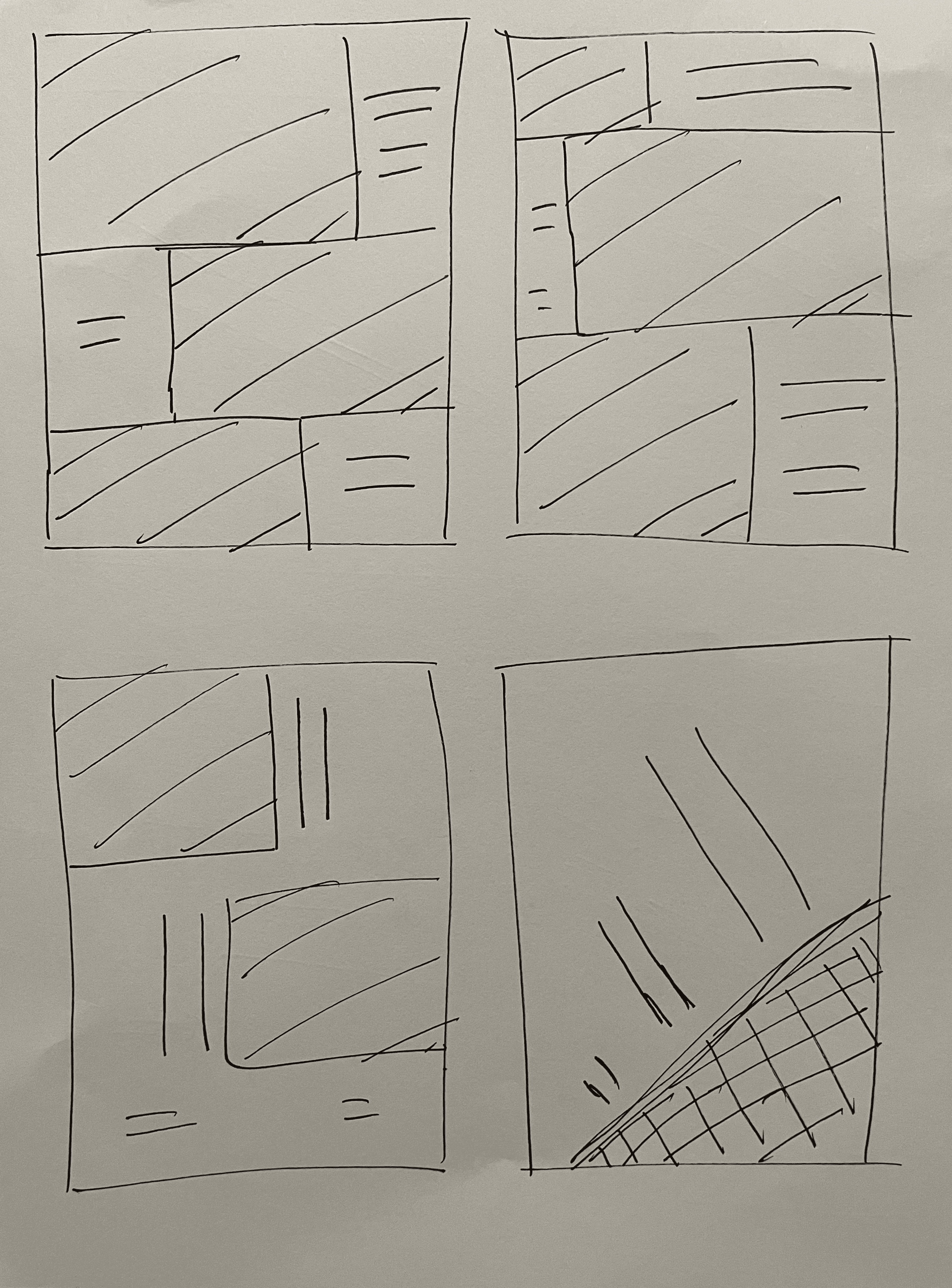
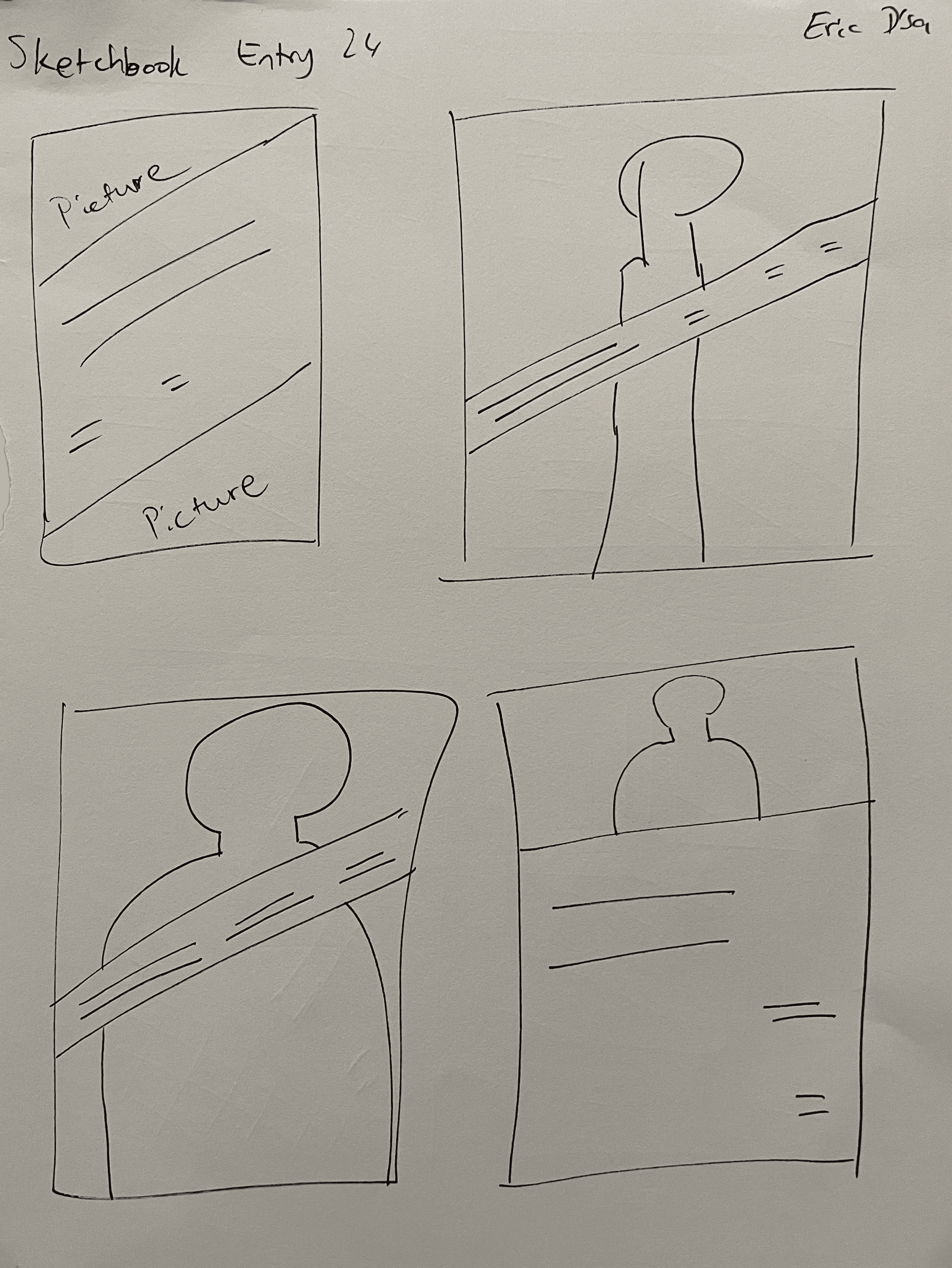
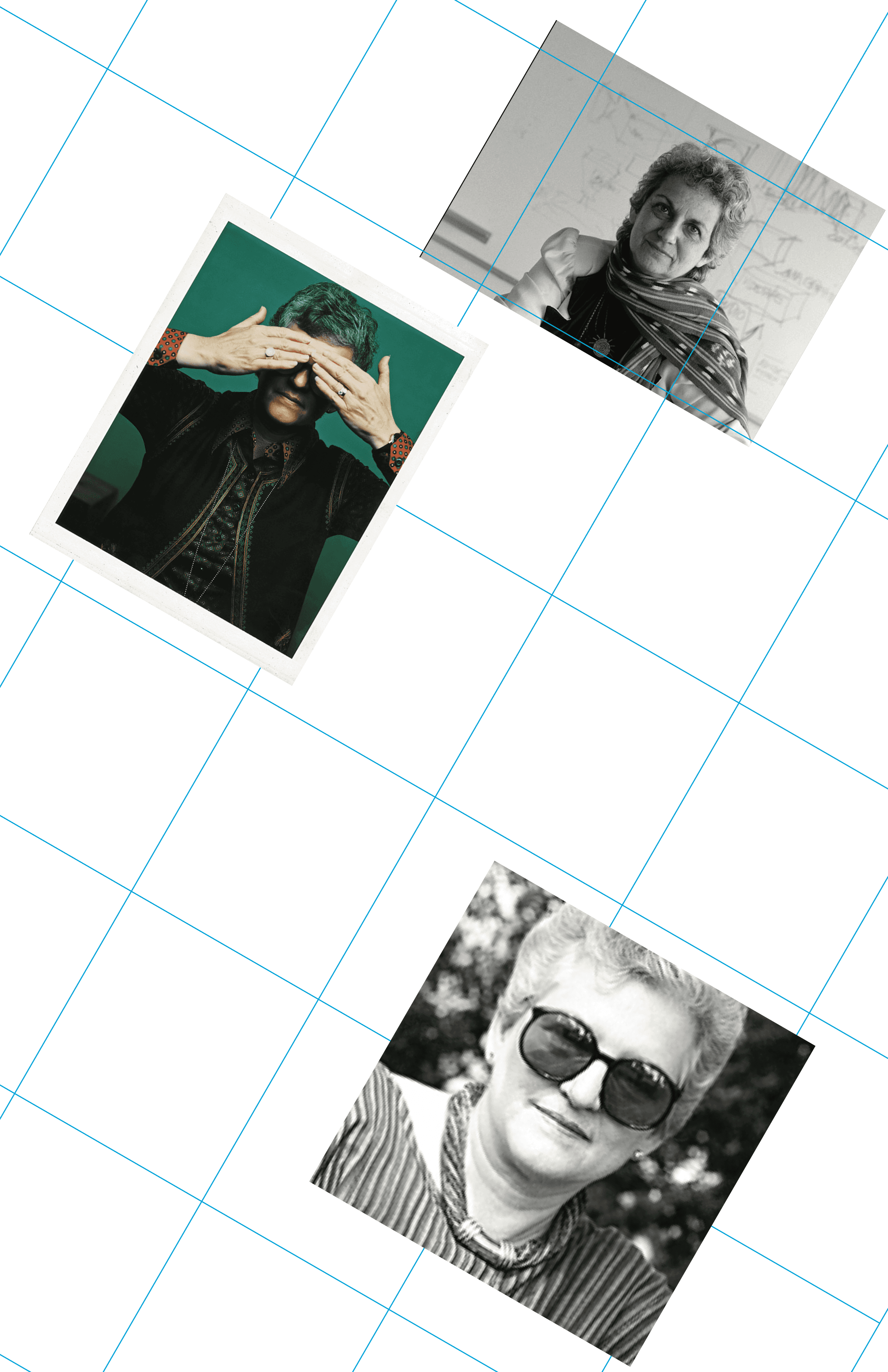
I started with sketches inspired by Casey's work. Casey designed many of her posters to share campus events with the MIT student body. Her approach was characterized by large, striking visuals, followed by bold, sans-serif titles and fine print details.
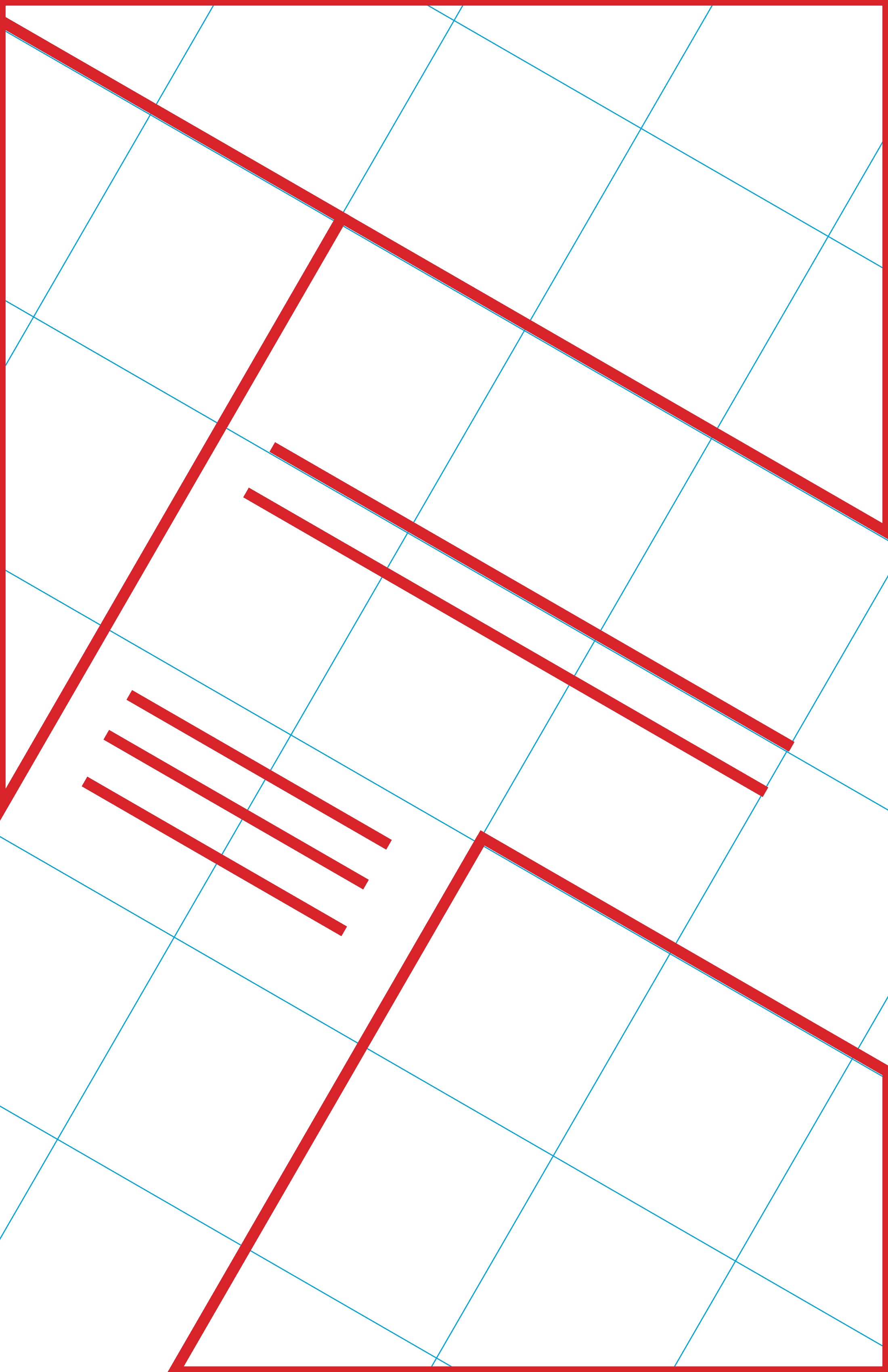
I took a similar approach to my layouts, starting with a large image, and placeholders for smaller copy.
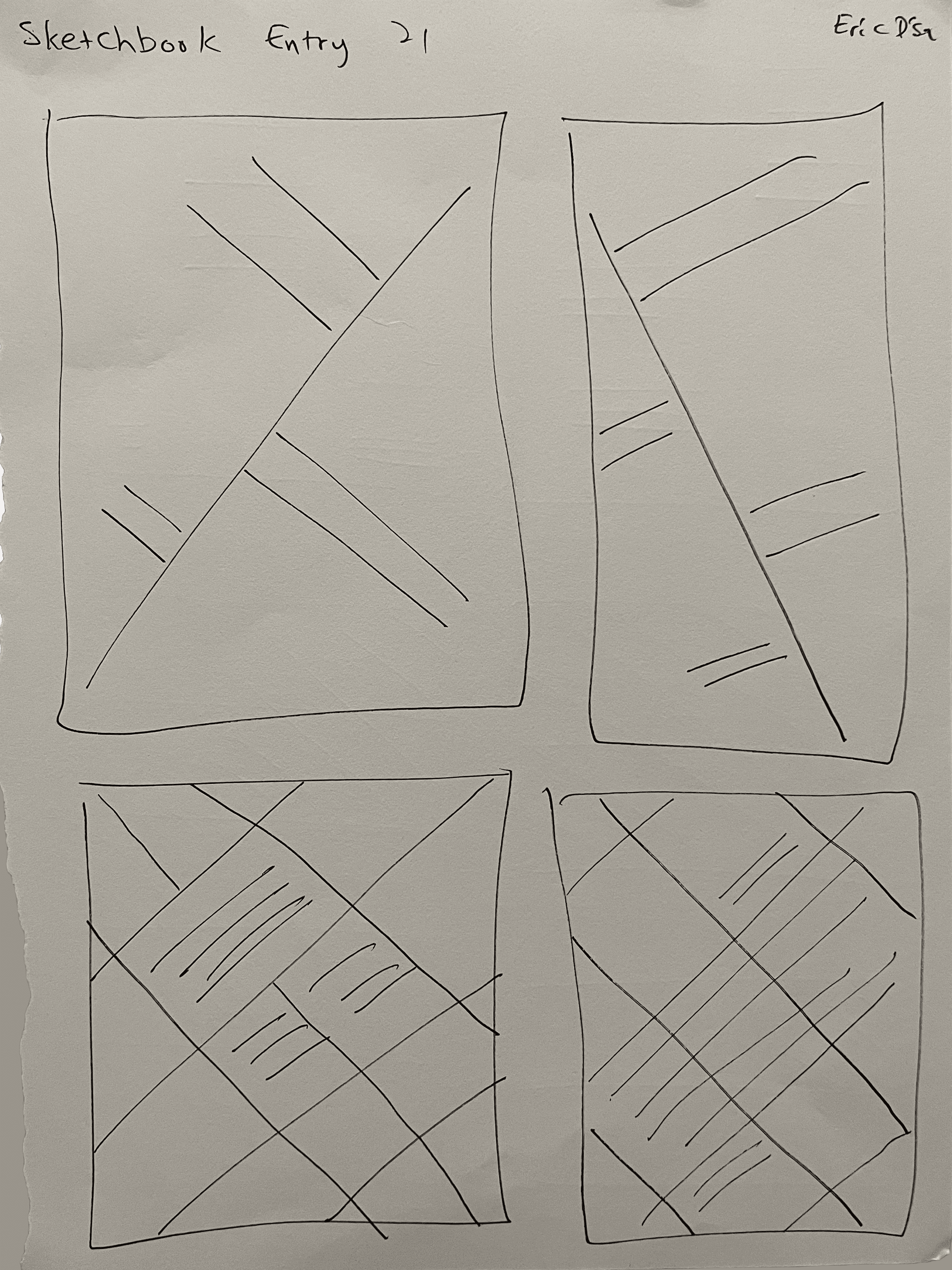
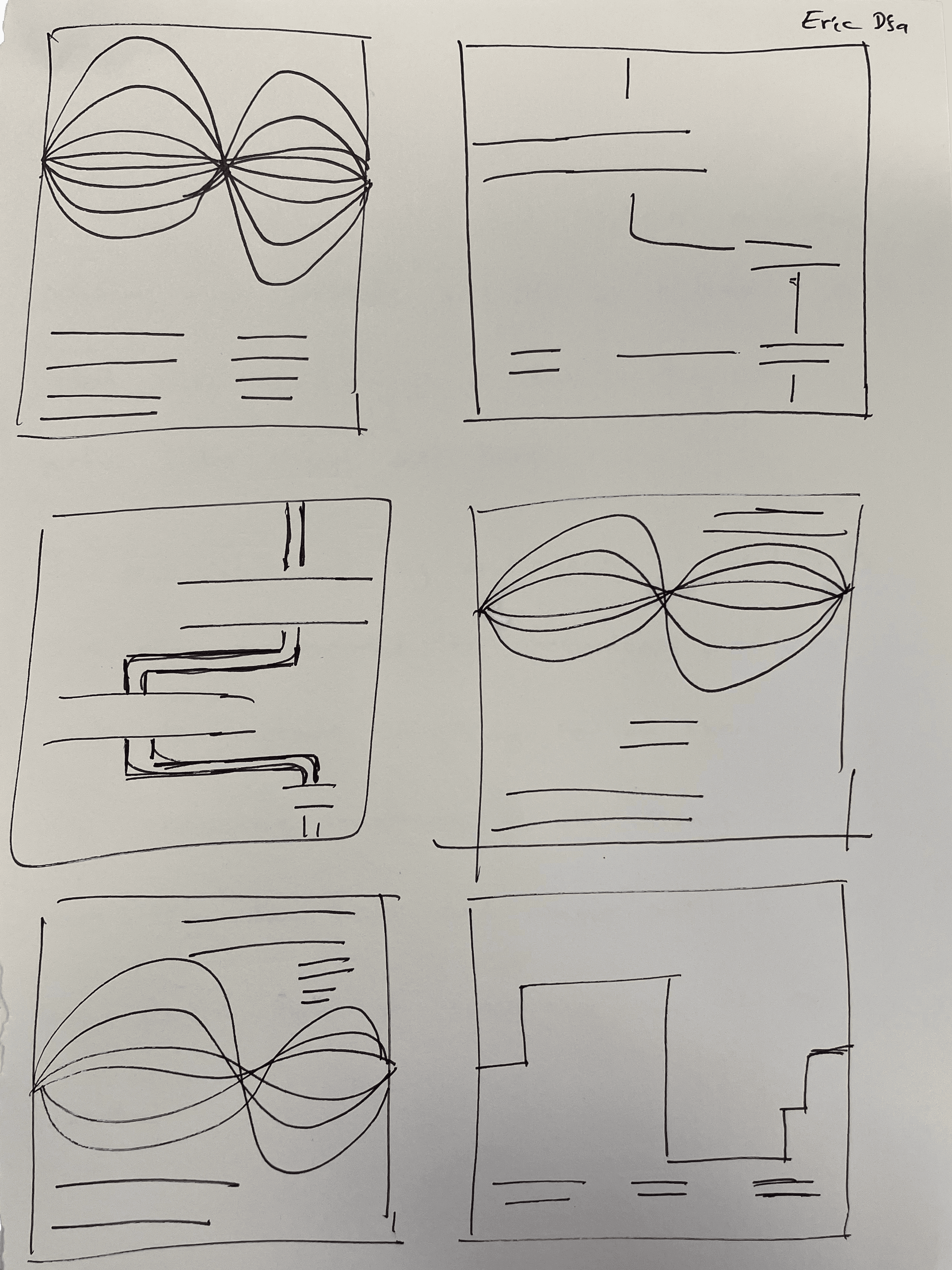
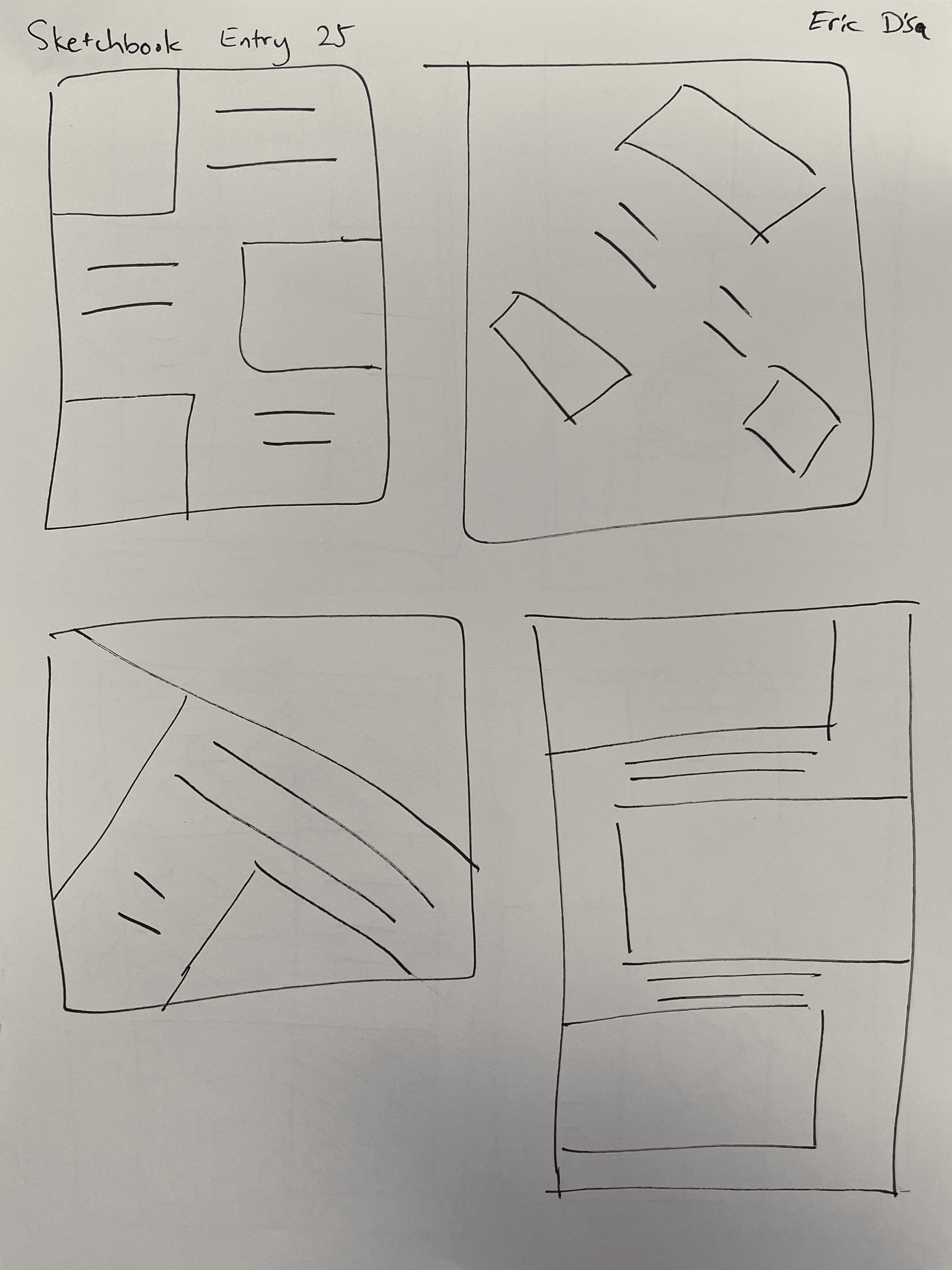
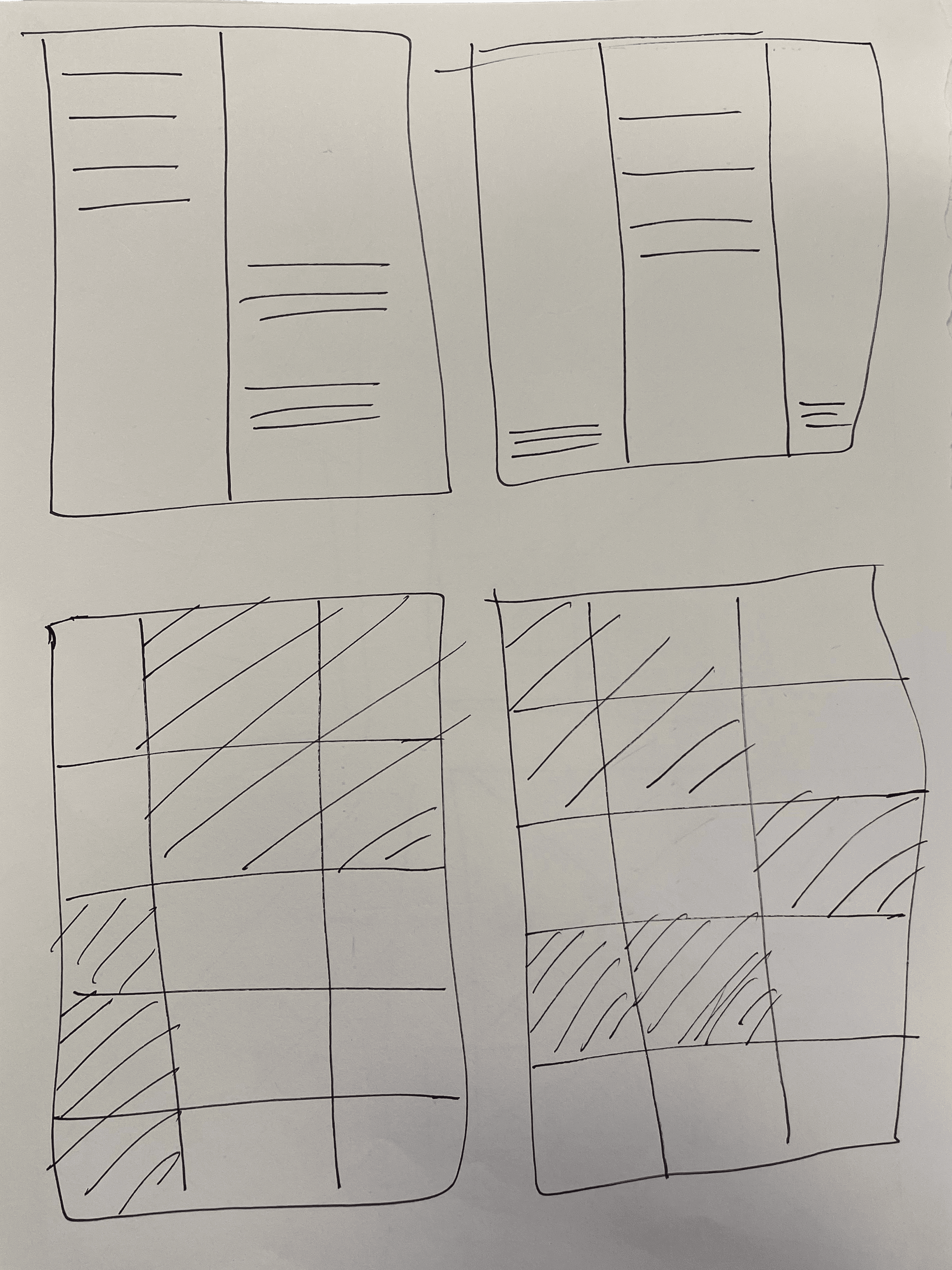
Content + Visual Hierarchy
My sketches gave me an idea of what my posters could look like, but I couldn't proceed because I didn't know the content I was placing in the poster.
To fix this, I wrote down all the information needed by a viewer. From highest to lowest priority, this became:
Designer Name
Subheading describing the showcase
Date and time
Location of the showcase
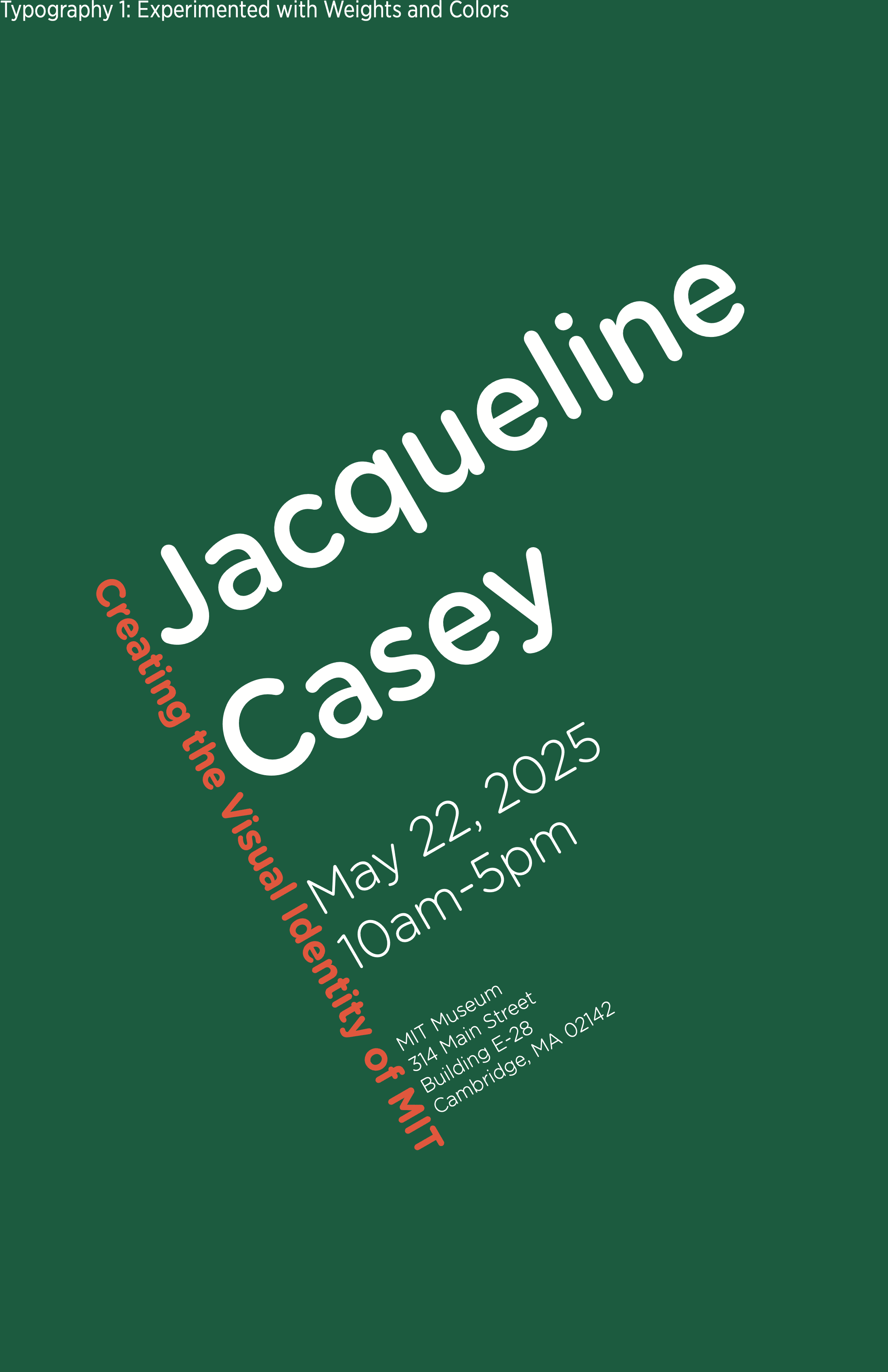
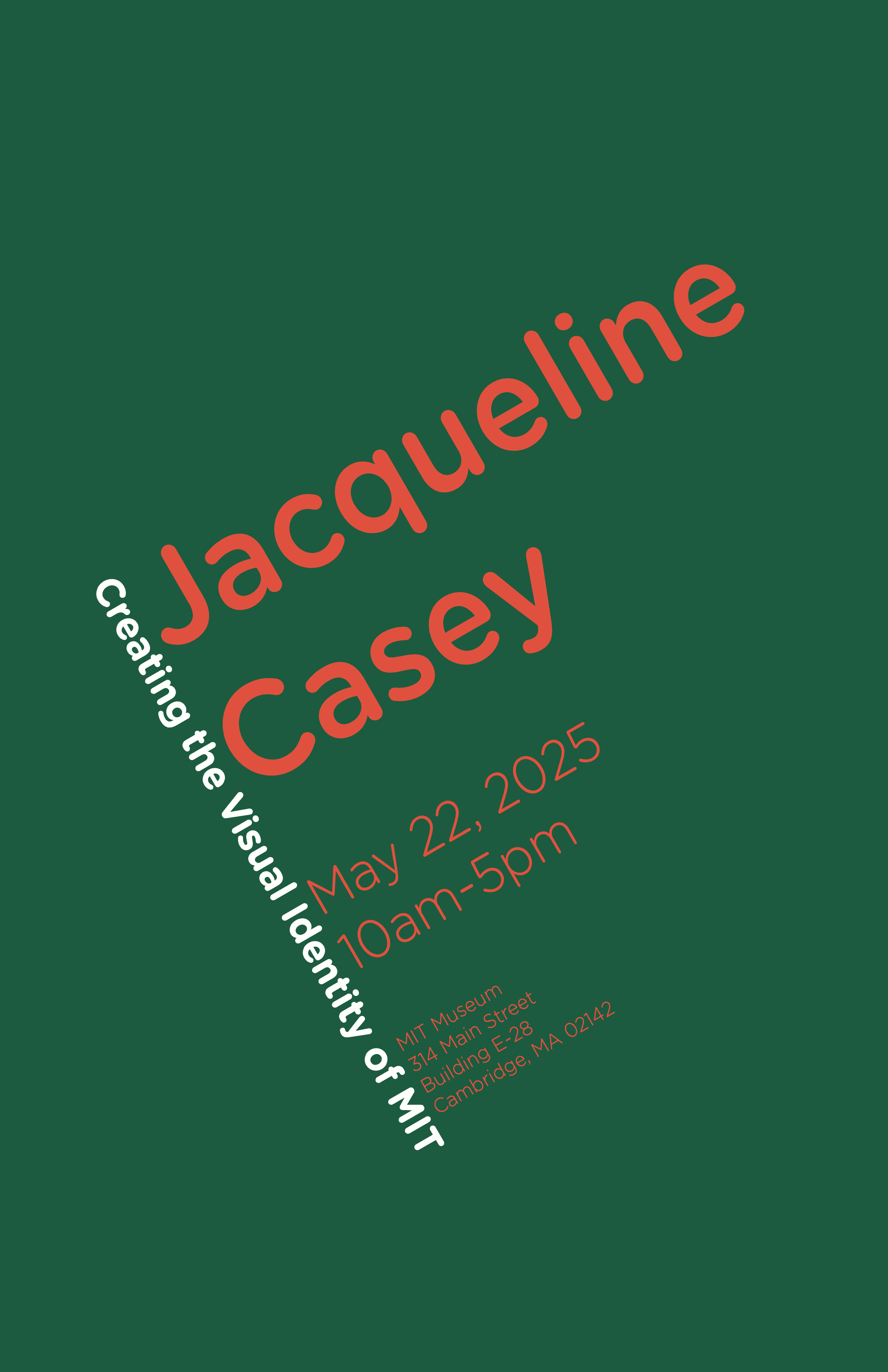
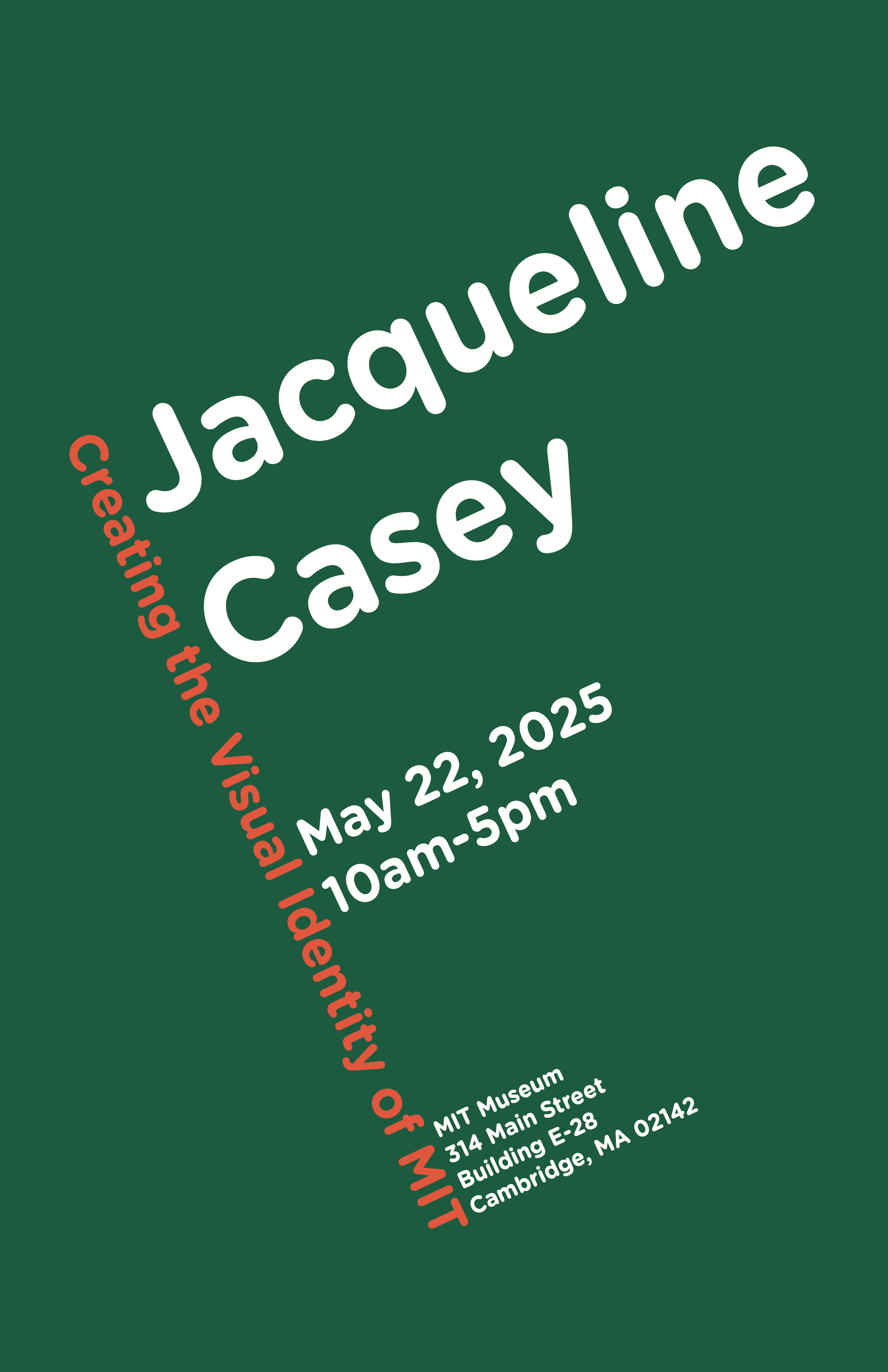
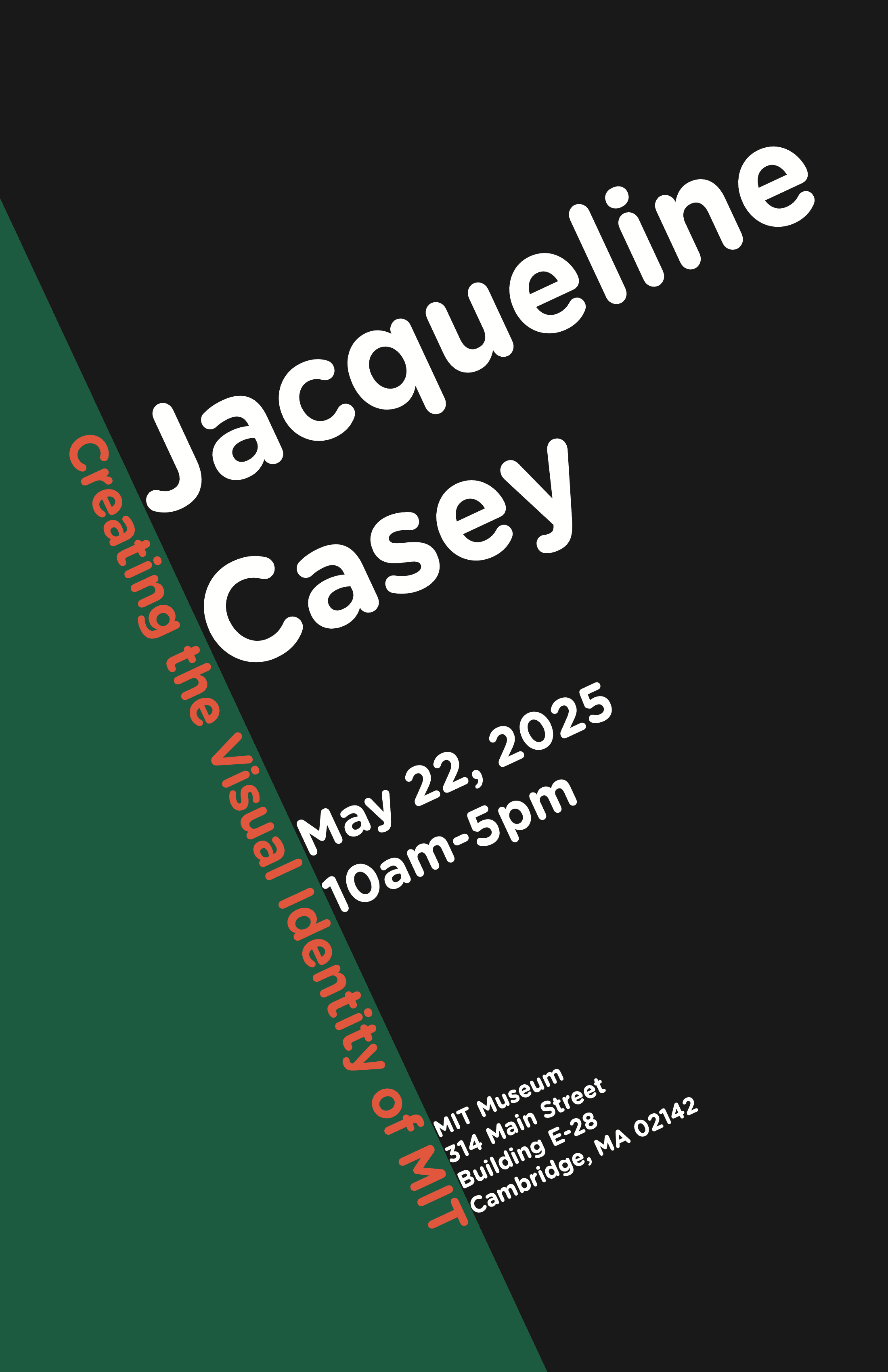
I needed a way for the viewer to read the most important information first, and so I created a visual hierarchy to the copy. To do this, I applied font weight to the more important items.
When this wasn't enough, I created more contrast by varying font size and color. This eventually led to changes in background color as well.
Backtrack to Grid Systems
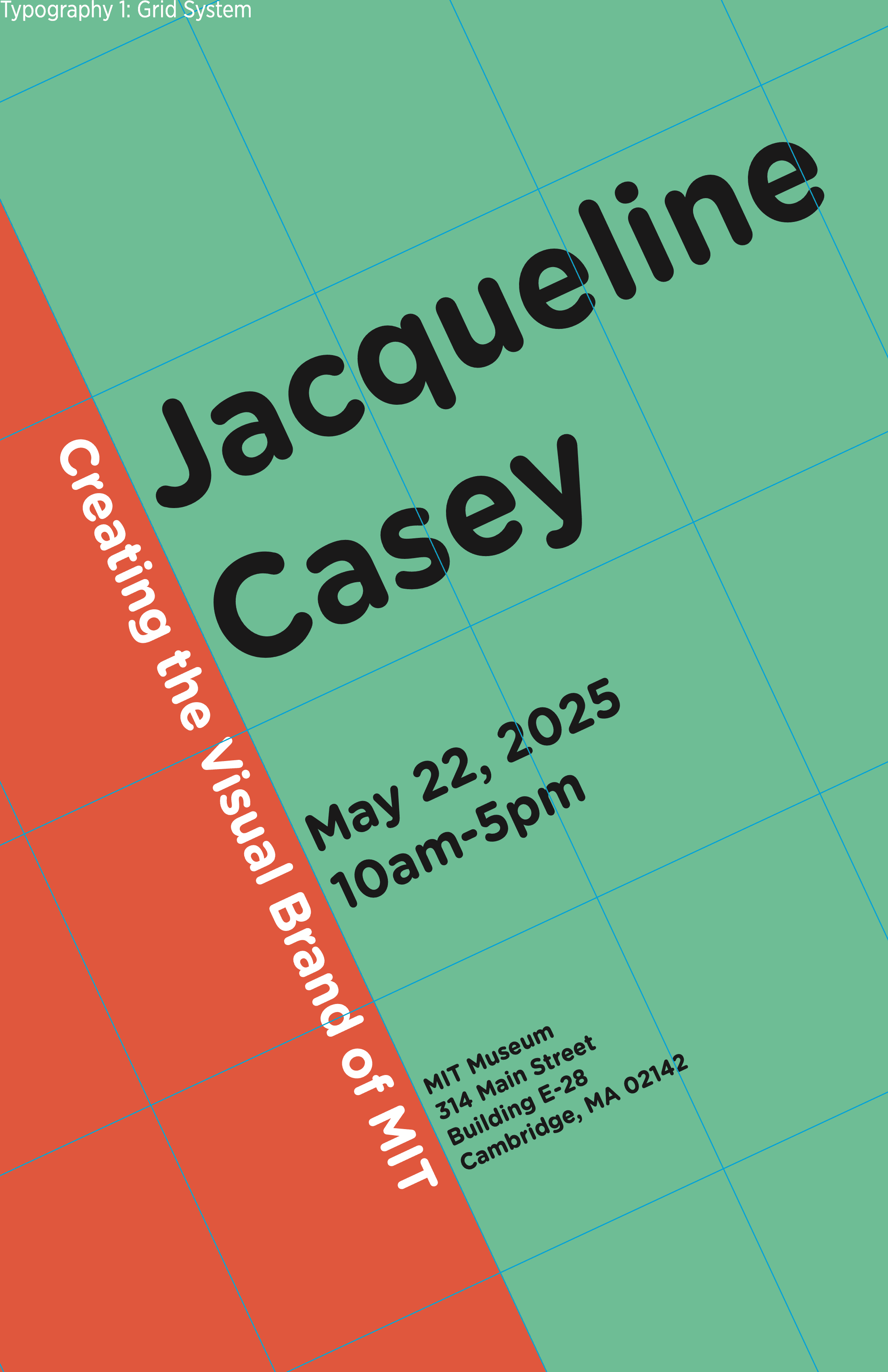
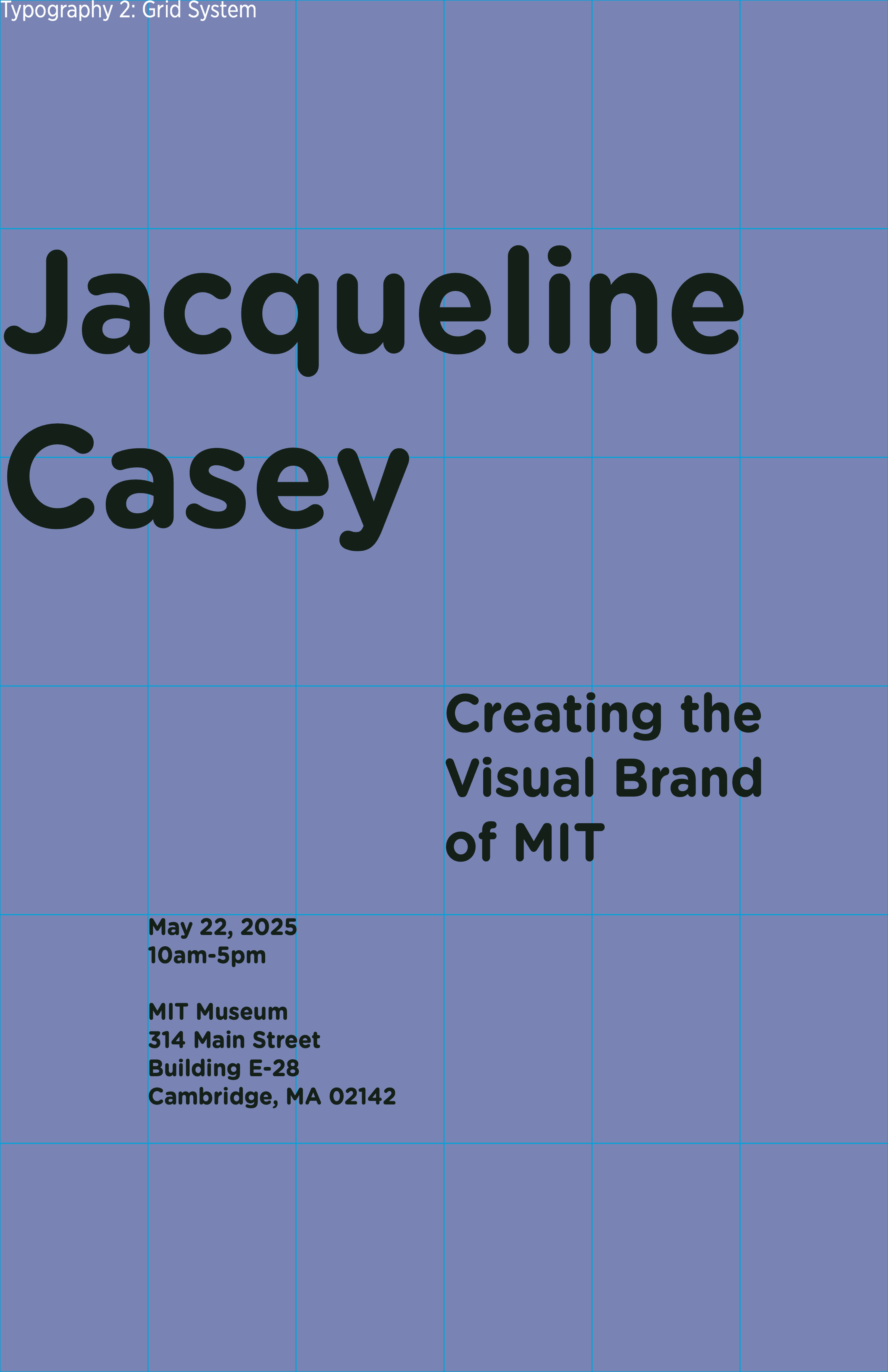
With a clear order to process the poster's copy, I could return to the layouts that I previously sketched. To reinforce the hierarchy of information, I applied different grid systems to create more space to the more important items on the poster.
Once I had multiple versions of the poster, I also changed the typefaces and color schemes to match the impression of the layout.
Finalize Static Posters
The final campaign was composed of 6 posters, varying in their composition, layout, and style. They were designed to hang on the wall of a university hallway.
Typography-Dominant Layouts
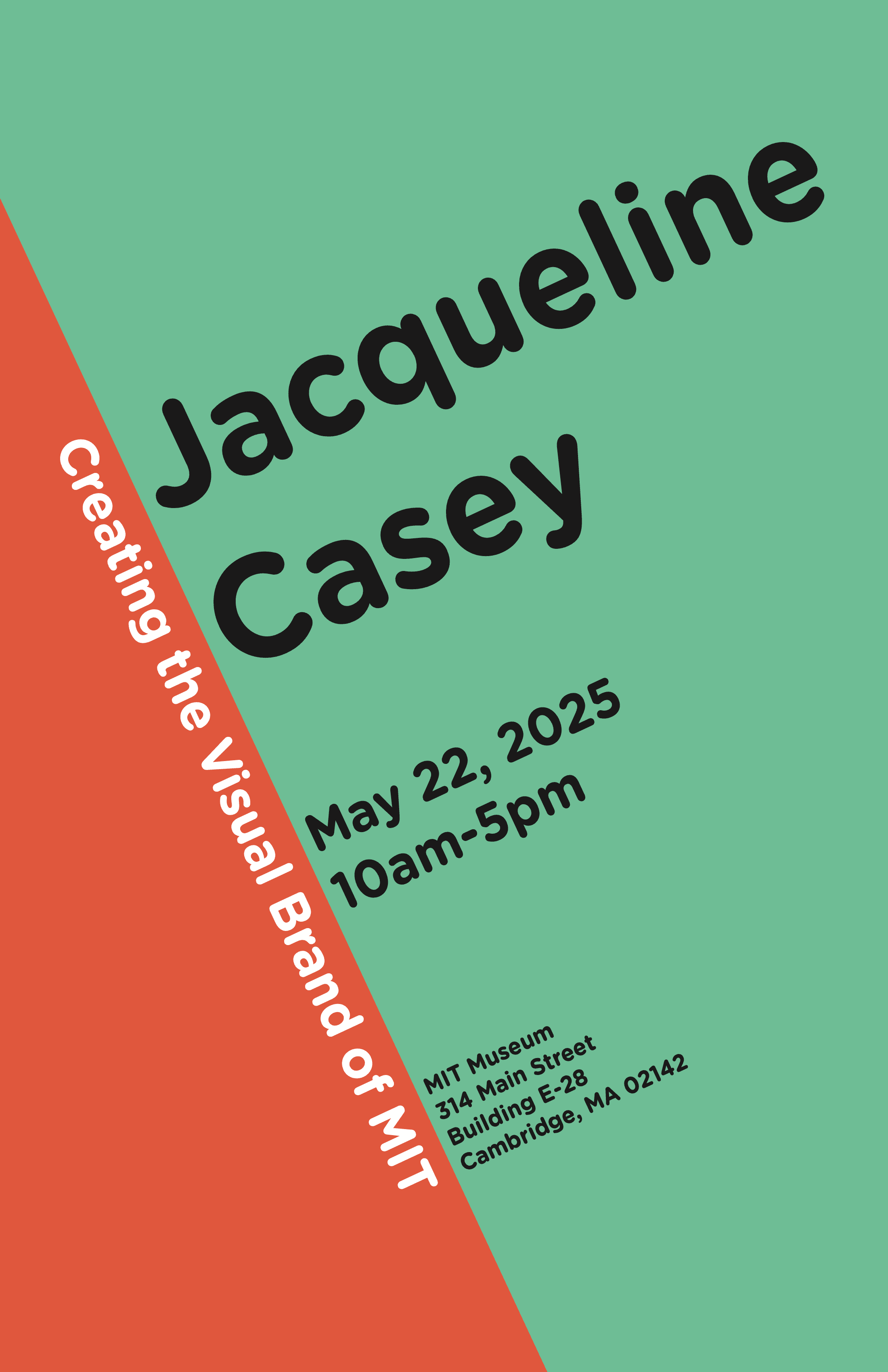
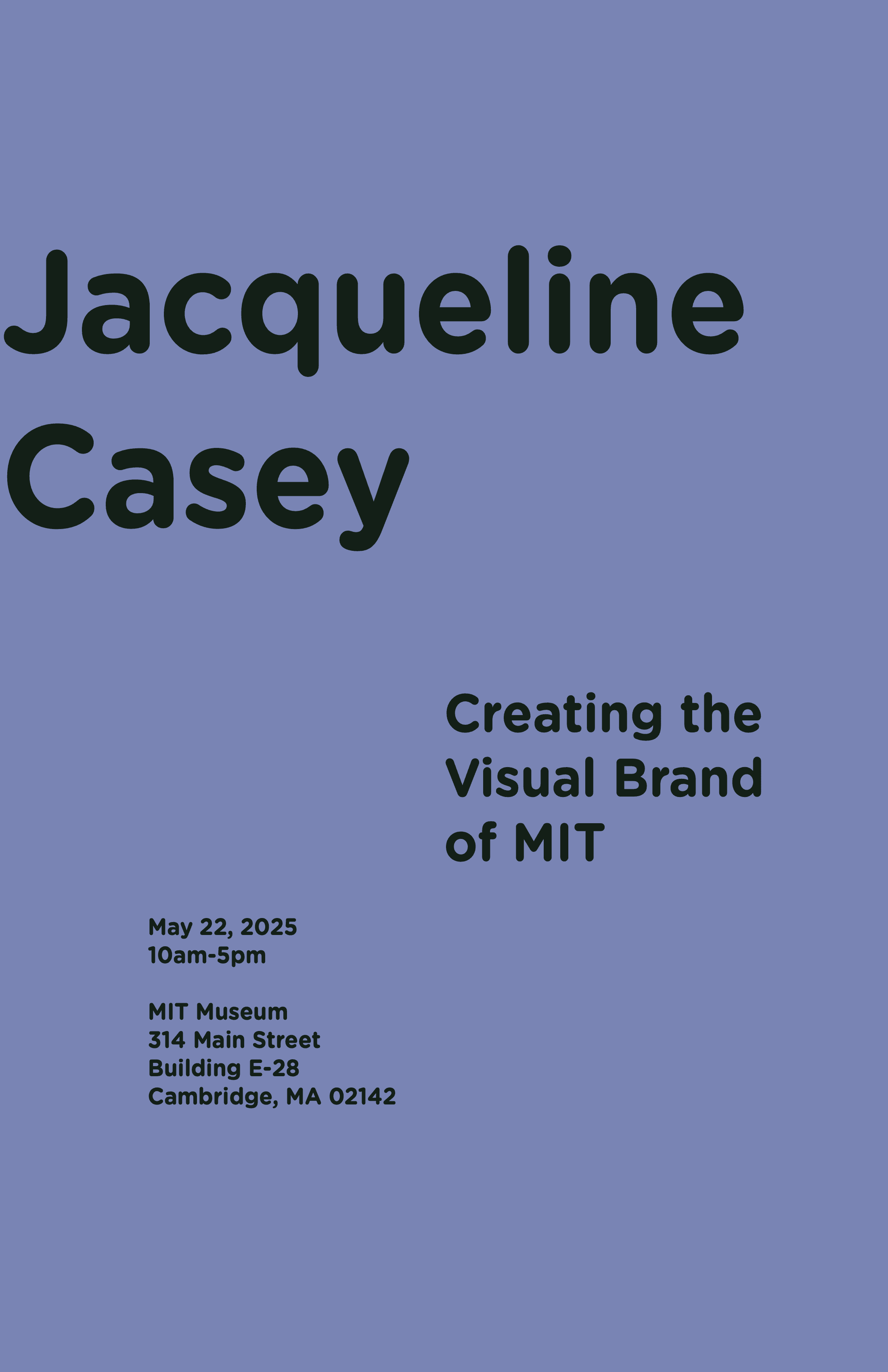
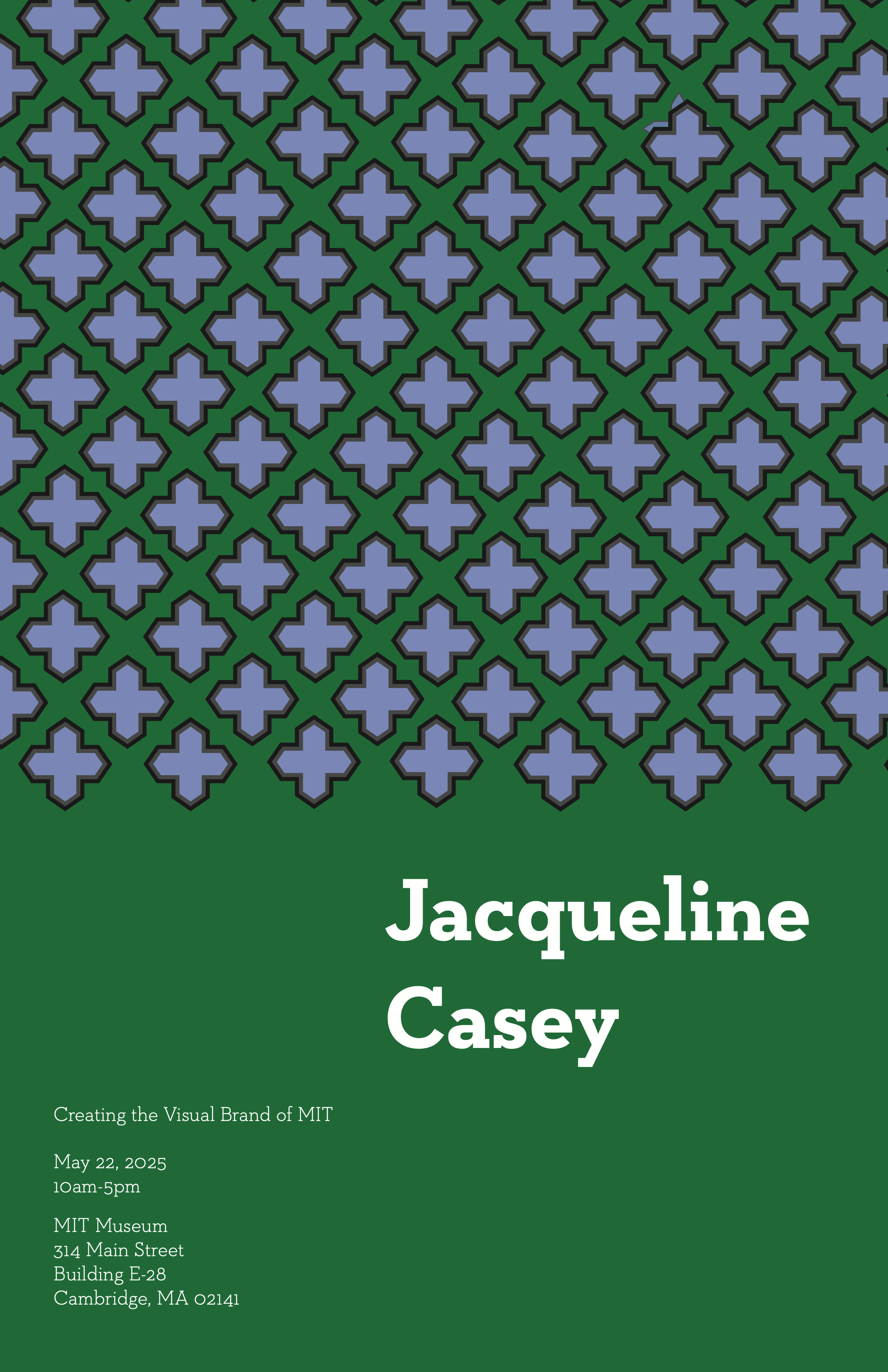
These two posters were made with a diagonal and modular grid. Since these posters don't have images, the copy has more weight and wide tracking. Solid colors were applied to contrast with the copy and serve as the eye-catching device.
Photography-Dominant Layouts
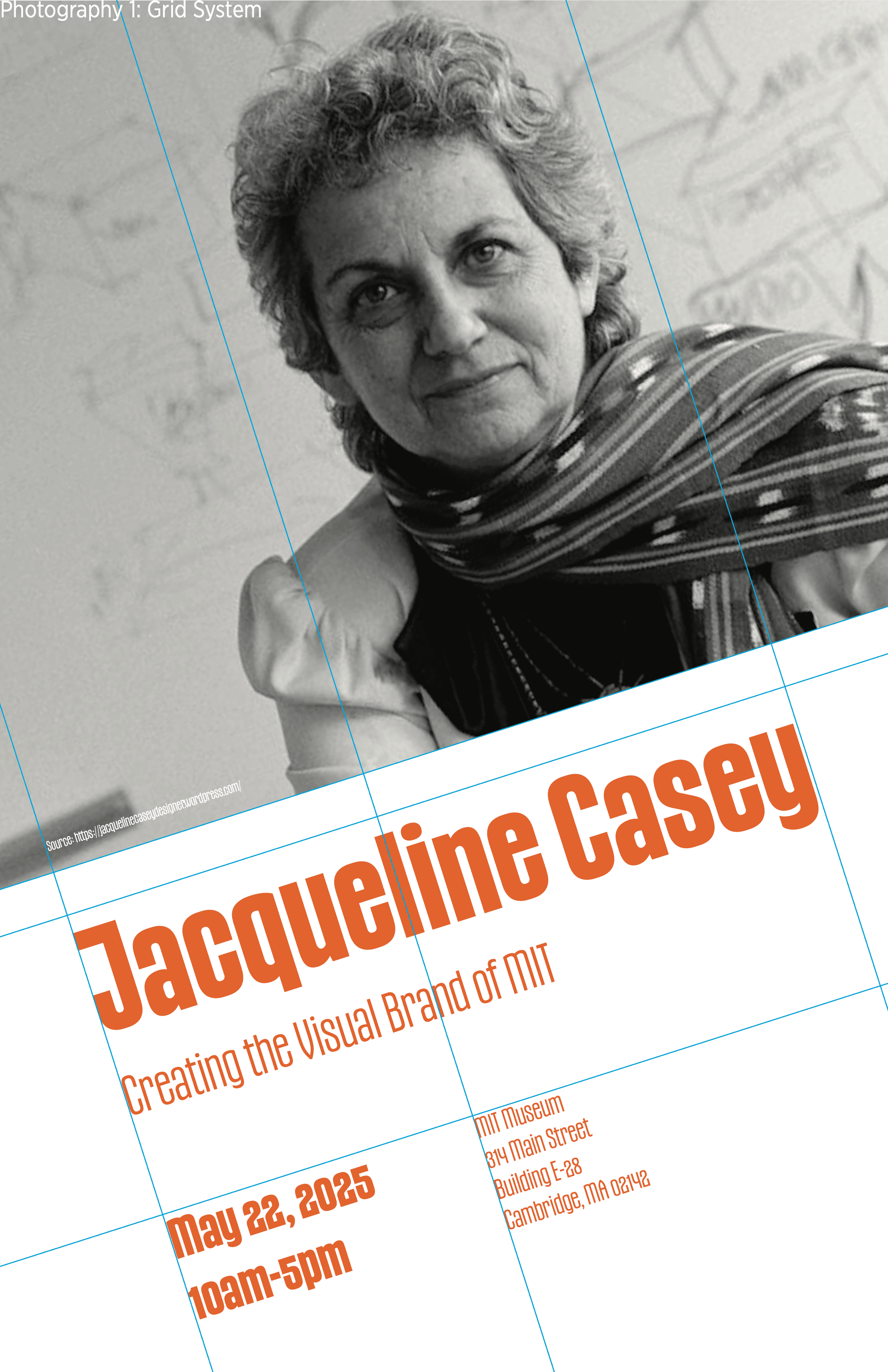
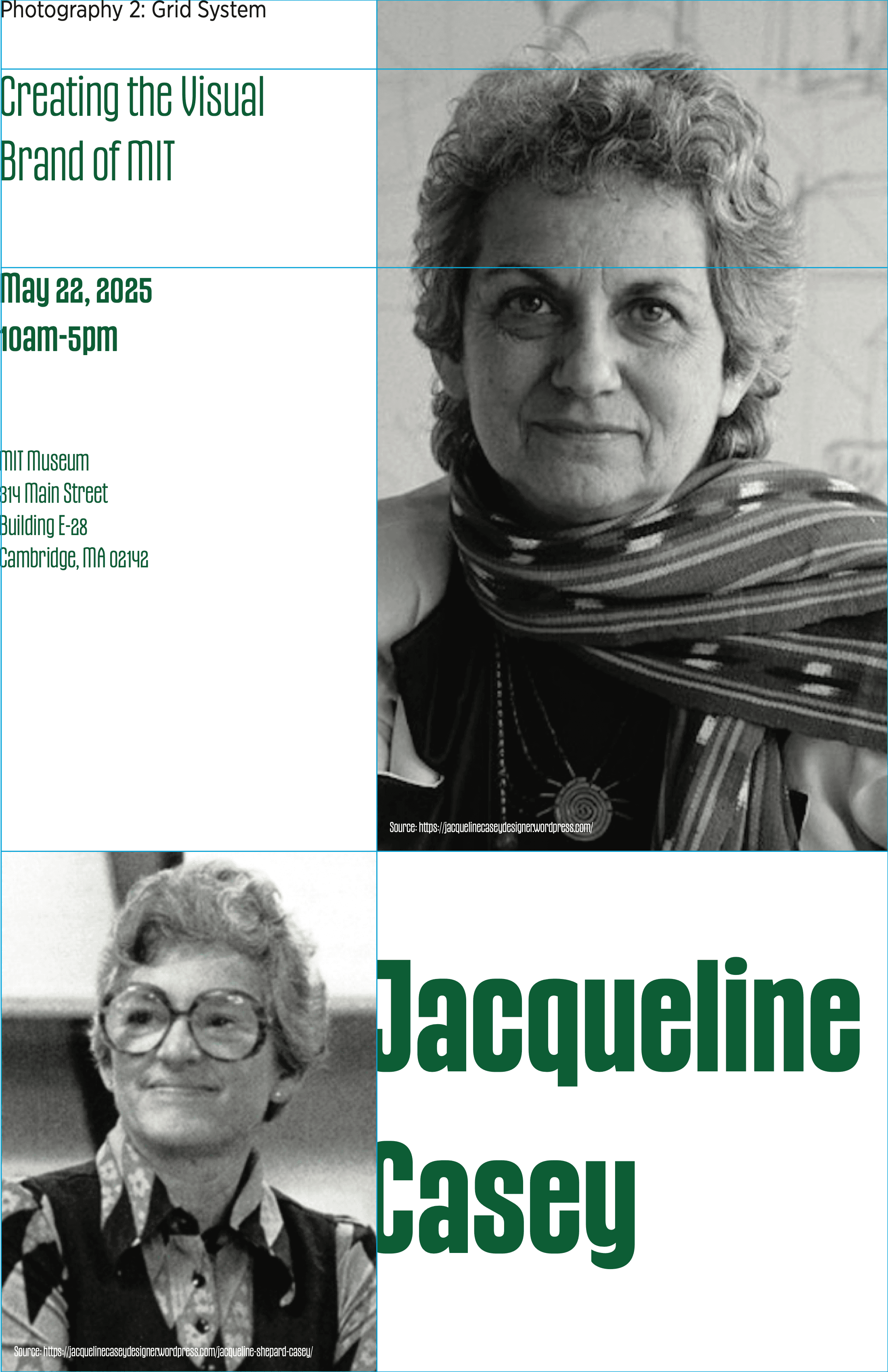
In the photography-dominant posters, pictures were used to catch the viewer's attention. The copy is the next focus of attention. Because of this, the copy could have narrow tracking and thinner weights. I chose the grid (diagonal vs. columnar) based on the crop of the pictures in the poster. Based on the space that the picture took, I could apply a grid that would fit the copy appropriately.
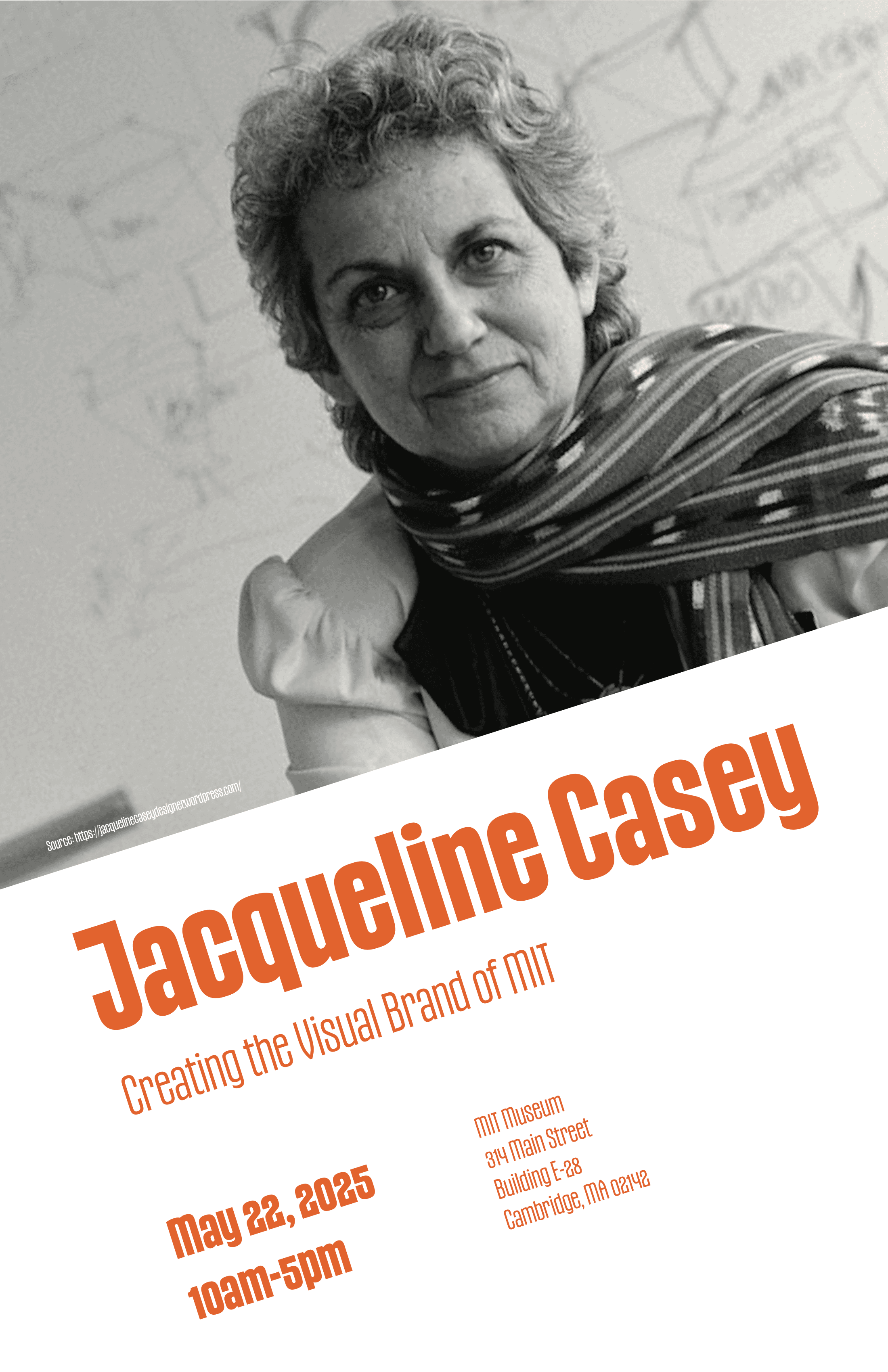
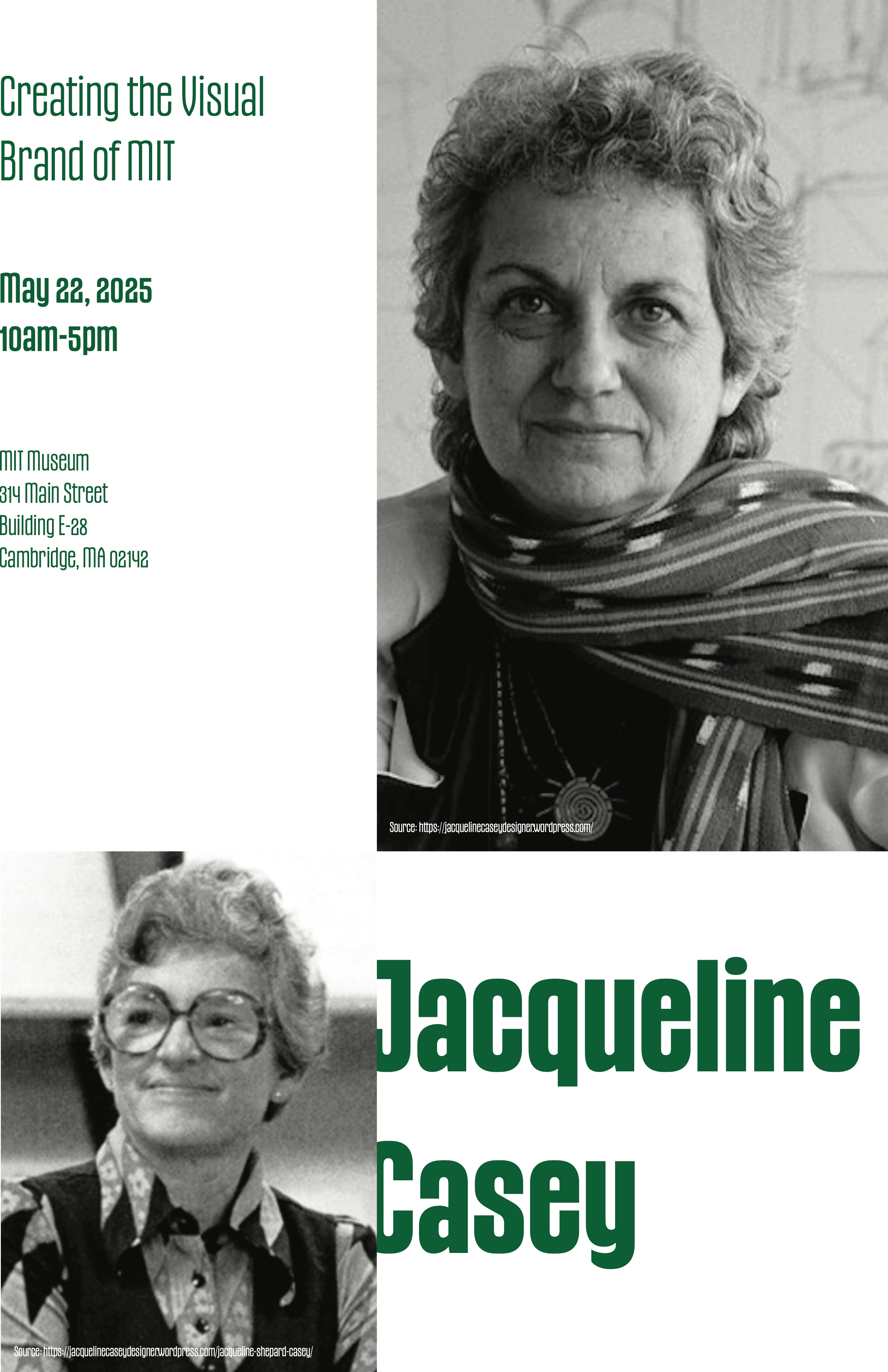
Illustration-Heavy Layouts
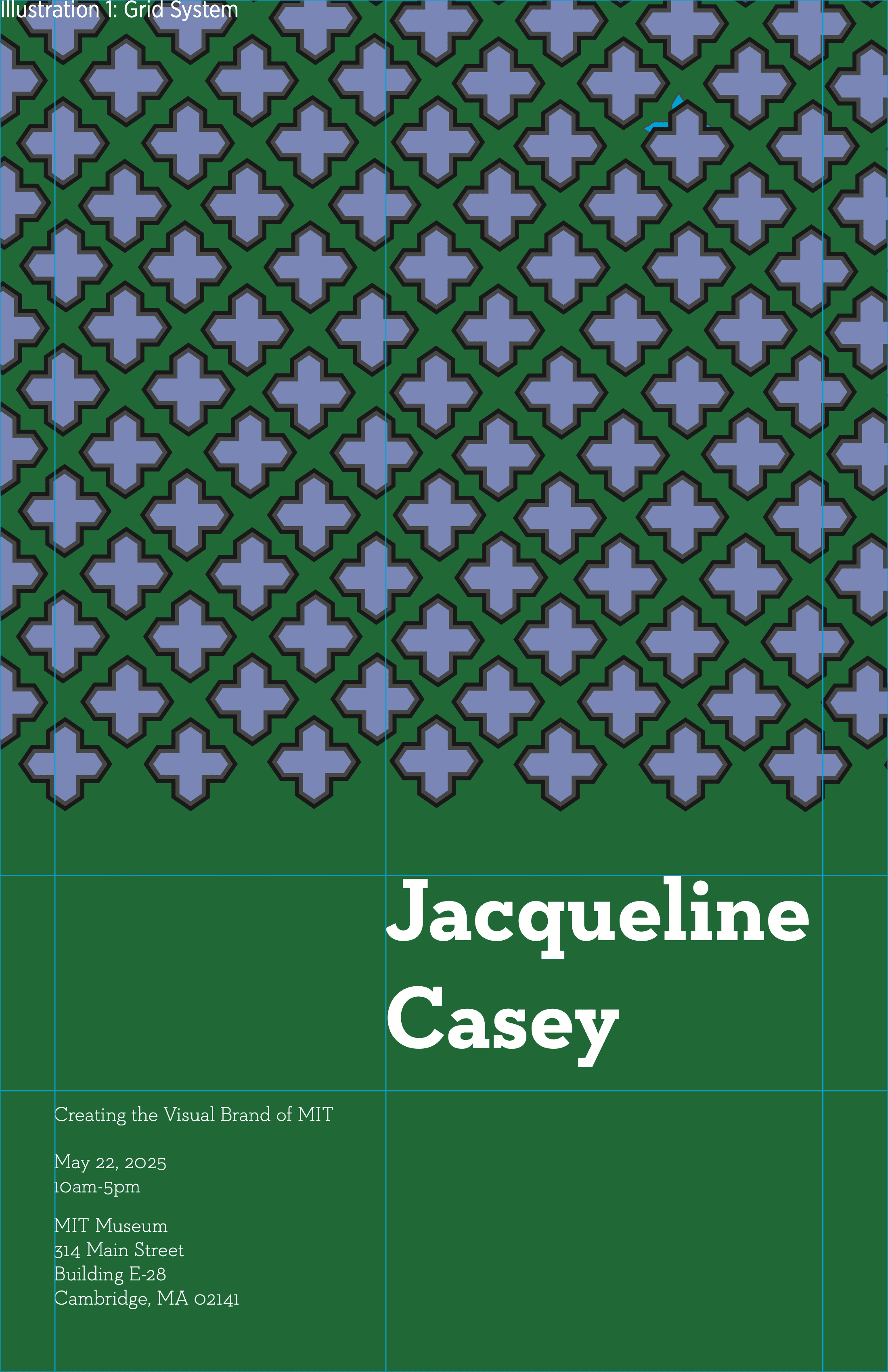
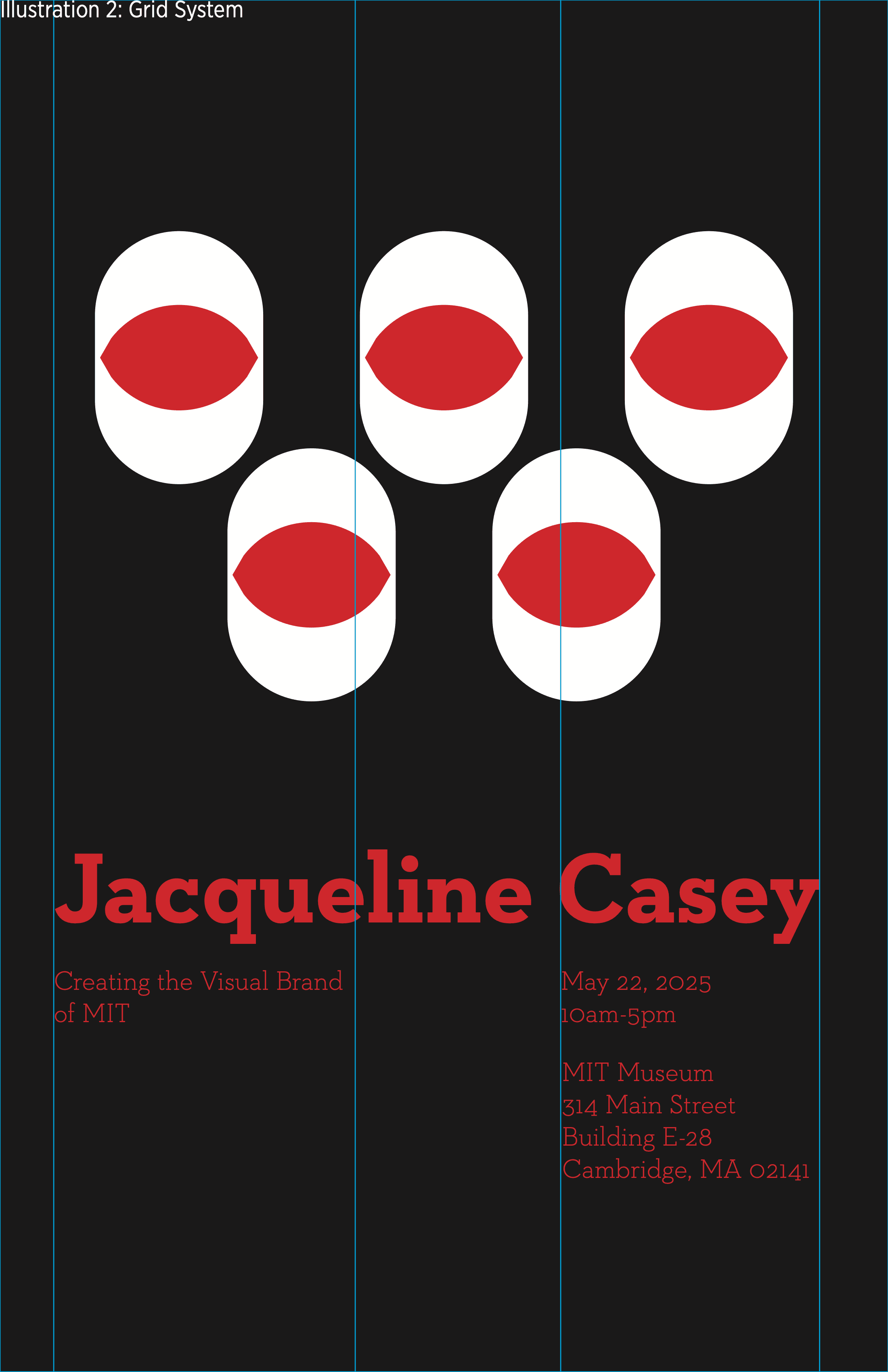
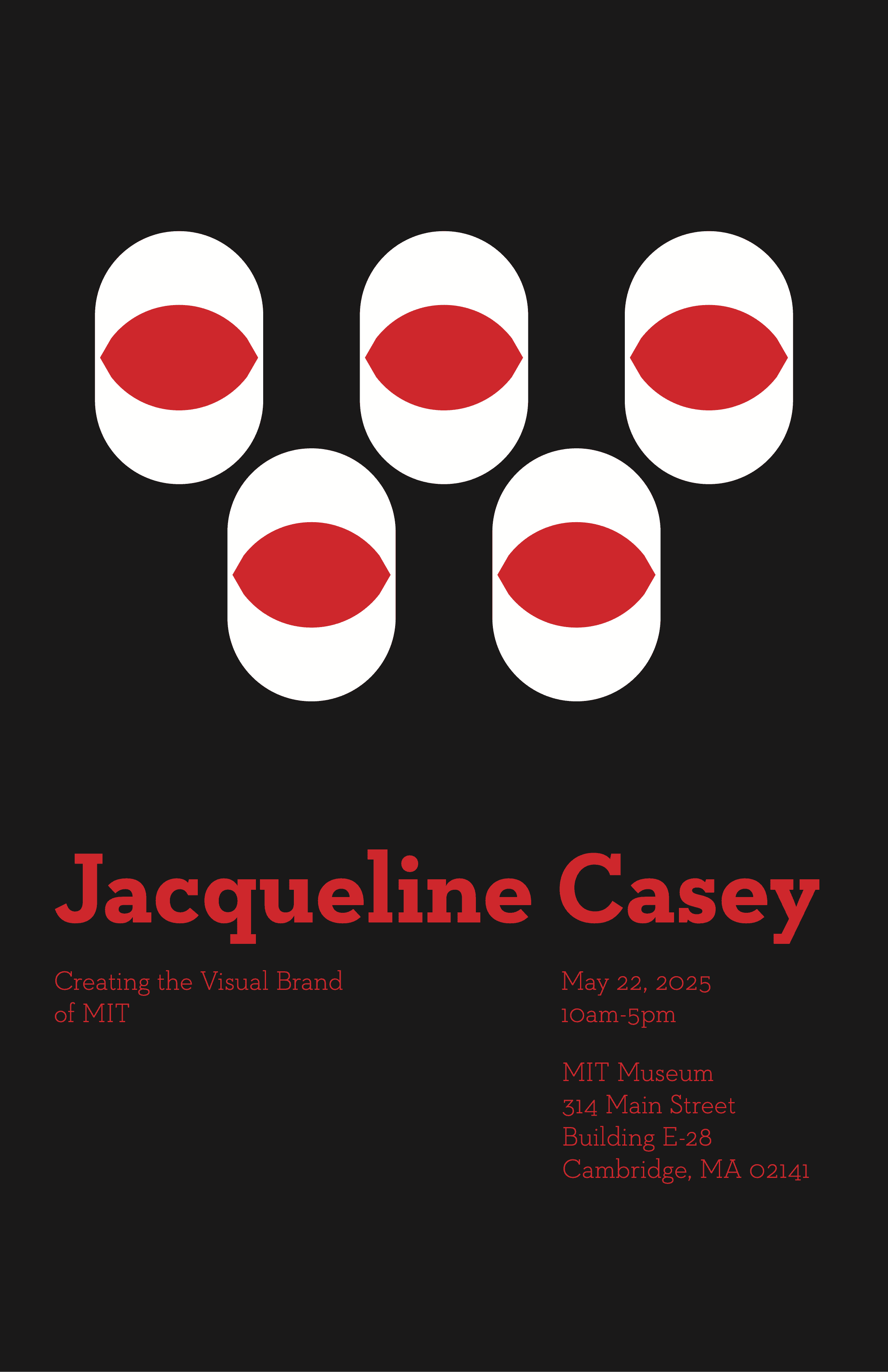
The last set of posters used illustration to draw focus. These illustrations were inspired by Casey's work depicting eyes and atoms to advertise science talks. The typefaces here were serif with tighter tracking than those in the other posters, to give a professional, exacting look.
Poster Animation
The final task was to animate two of these posters to be viewed digital, such as through a website or on a mounted TV screen.
For the first poster, I chose a smooth, blurring motion that defined the elements' movement on the page. For the second poster, I chose a faster, more jarring motion to match the color contrast on the poster.
With Adobe Express, I animated each element on the page with its underlying motion theme. Each animation lasted 15 seconds, a time short enough to not make a passerby impatient, but also long enough to display characters as a viewer read them.